
To content
FlyMod
SpeedyBee

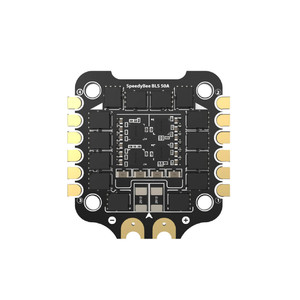
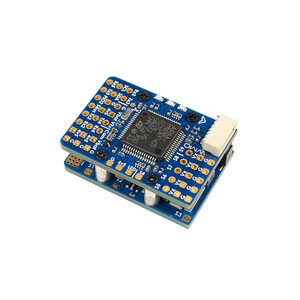
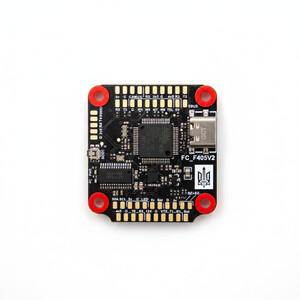
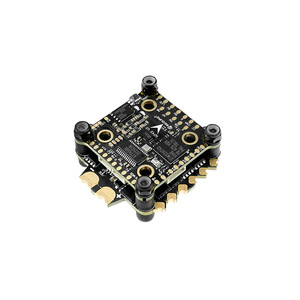
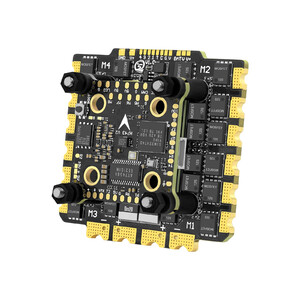
SpeedyBee F405 V3 30x30mm flight controller

2 039 uah
Price in USD: 44.90 $ $
Out of stock
  • DeliveryNova Poshta across Ukraine
  • PaymentCard online or bank transfer
  • WarrantyExchange and return

Description

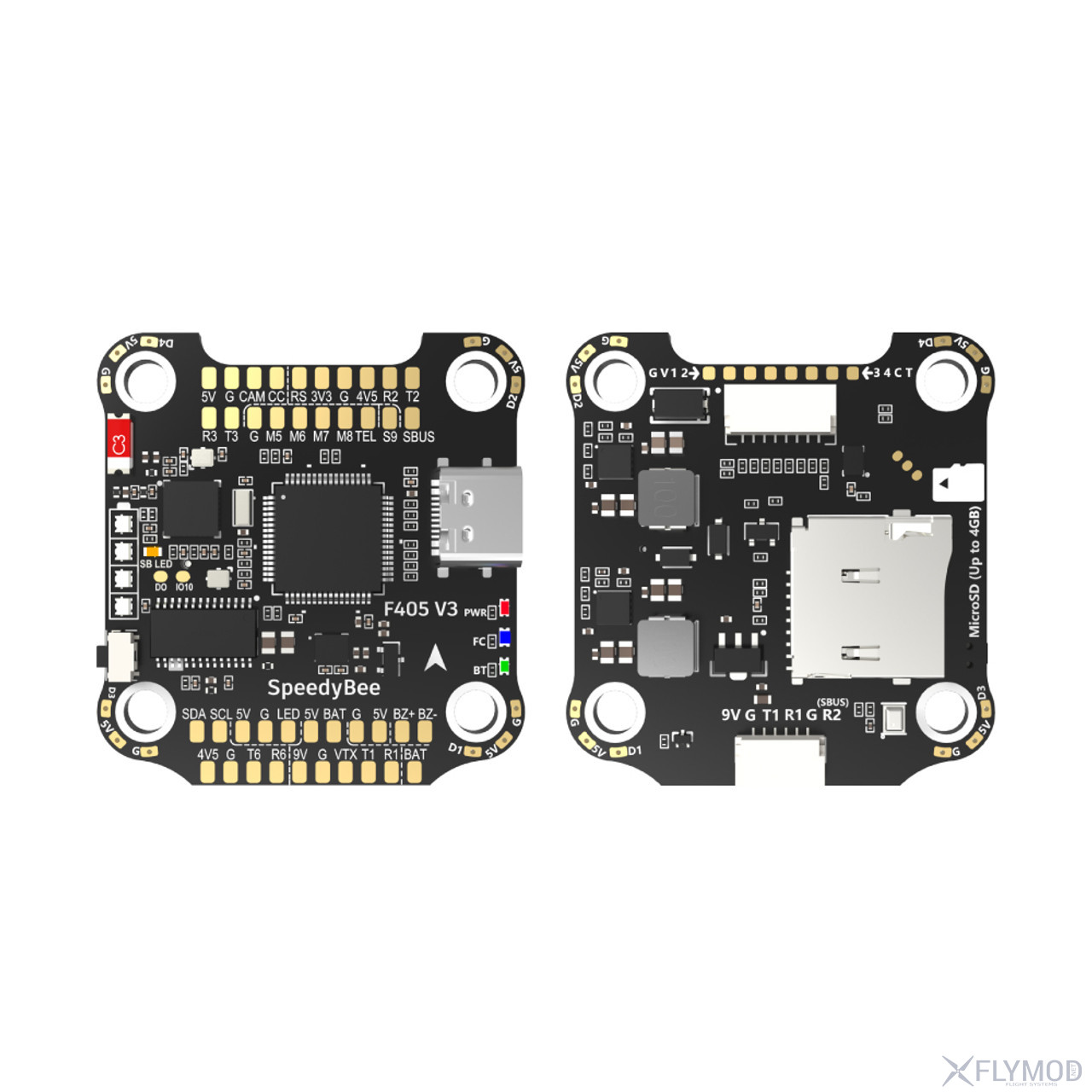
SpeedyBee F405 V3 flight controller with 30x30mm mounting pattern supports Bluetooth connectivity and customization. It has a 4-level LED battery charge indicator. The F405 V3 FC also features a built-in barometer and other useful features.

Features

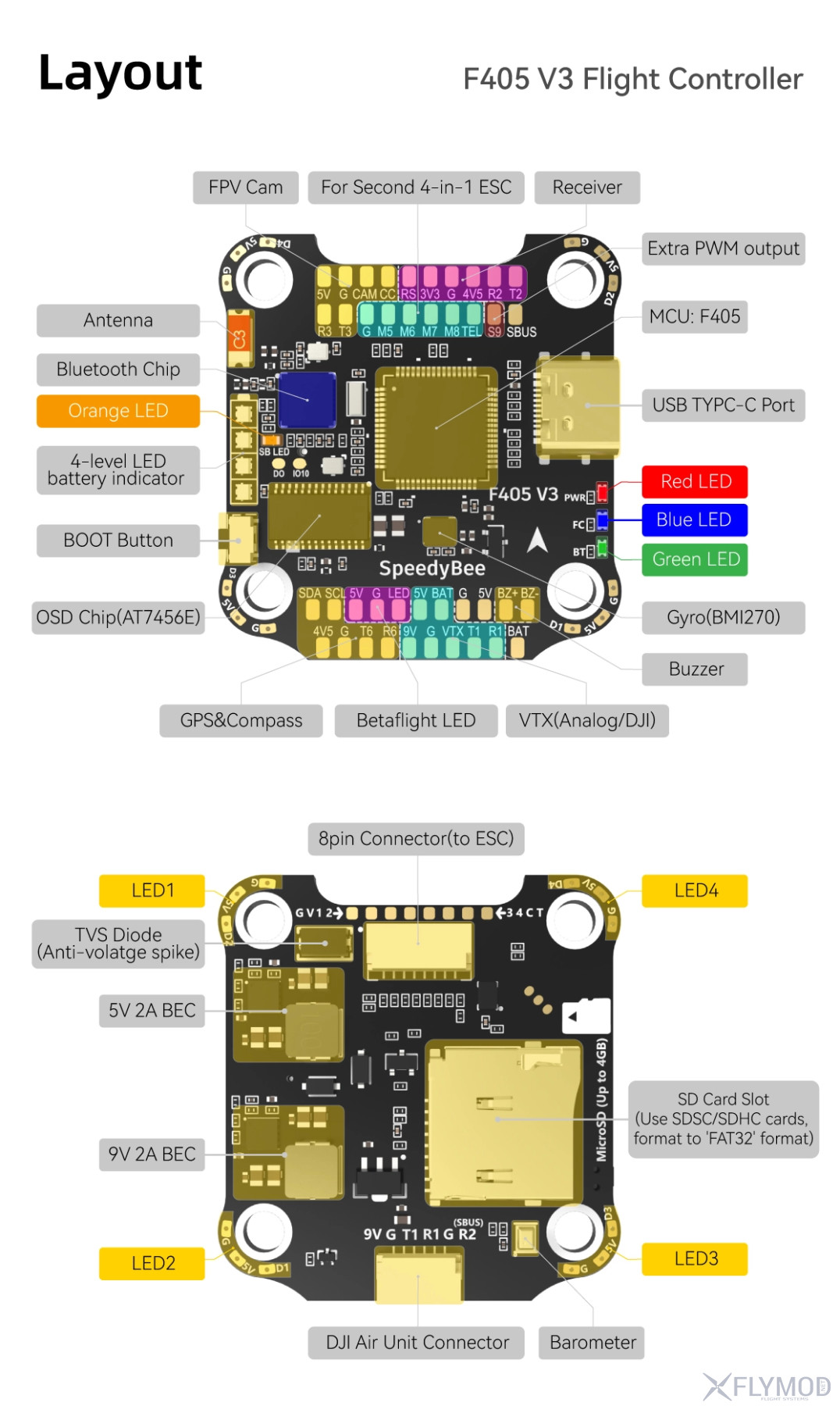
  • Dedicated DJI Air Unit connector for quick connection
  • 4 x UART for connecting devices: receiver, VTX, camera, GPS
  • SD card slot supports up to 4GB of Blackbox data
  • BEC: 9V 2A and 5V 2A
  • 4-level LED battery charge indicator
  • 8 motor outputs: m1-m8
  • Built-in barometer
  • Bluetooth control

Features

  • Flight Controller F405 V3 FC
  • MCU: STM32F405
  • IMU(Gyro): BMI270
  • USB Port: Type-C
  • Barometer: Built-in
  • OSD Chip: AT7456E chip
  • BLE Bluetooth: Supported. Used to customize the flight controller
  • DJI Air Unit connection method: using 6-pin connector or soldering
  • Blackbox MicroSD memory card support: Yes
  • BetaFlight camera control panel: yes
  • Input current sensor: yes
  • Input power: 3S - 6S Lipo
  • ESC outputs: M1 - M4 on the bottom side and M5-M8 on the top side
  • UART: 6 sets(UART1, UART2, UART3, UART4(for ESC telemetry), UART6)
  • ESC: Telemetry UART R5(UART5)
  • I2C: supported
  • Buzzer: available
  • BOOT button: yes
  • RSSI input: yes
  • SmartPort: yes
  • Firmware support: BetaFlight(Default), EMUFlight, INAV
  • Firmware Target: SPEEDYBEEF405V3
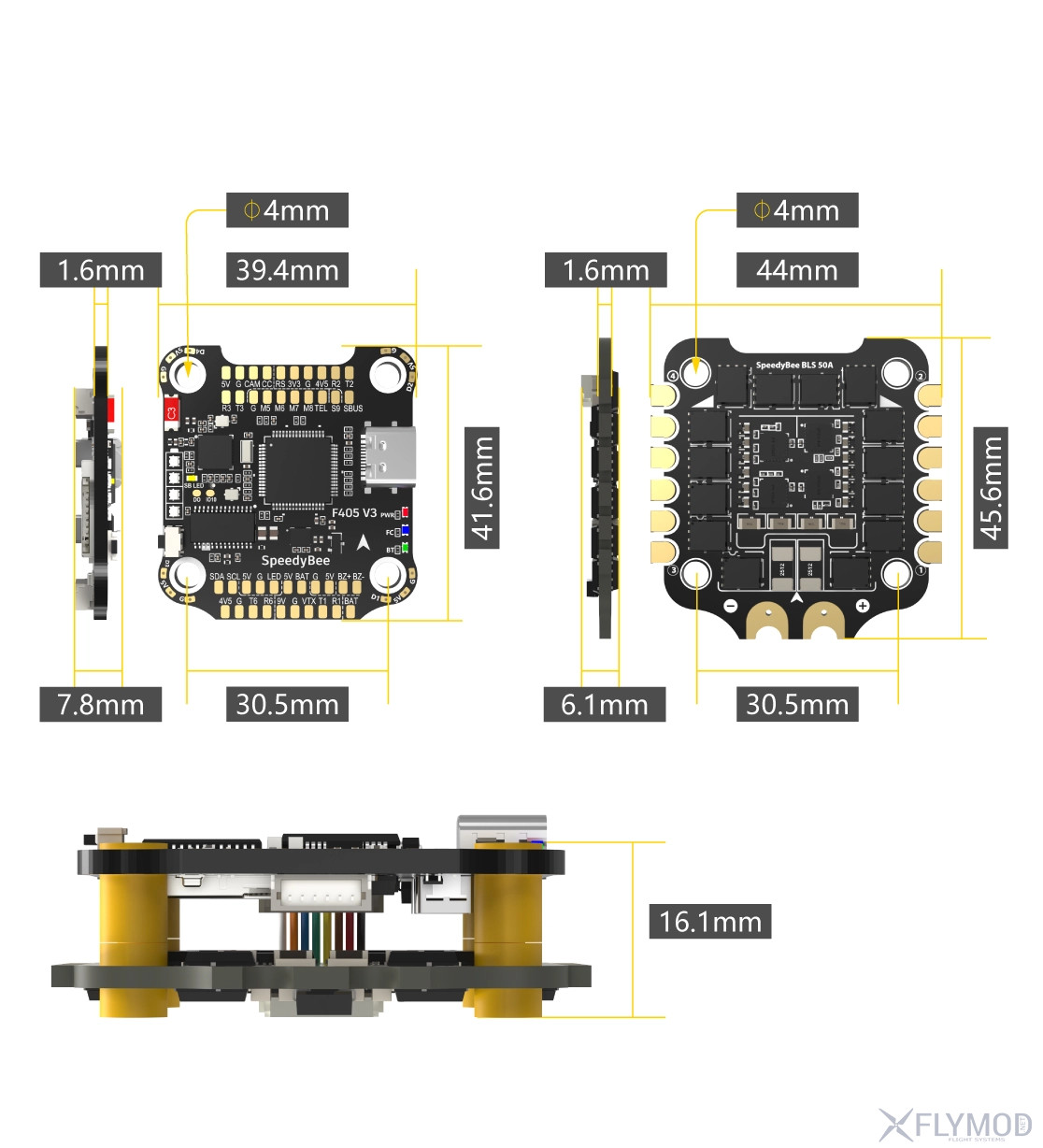
  • Mounting Diagram: 30.5x30.5mm (hole diameter 4mm)
  • Dimensions: 41.6x39.4x7.8mm
  • Weight: 9.6g

*Note: BOOT button. Usage options:
[А]. Press and hold the BOOT button and turn on the FC at the same time to force the FC to enter DFU mode, this is for flashing the FC when the firmware has come off.
[Б]. When the PC is powered on and in standby mode, the BOOT button can be used to control the LED strips connected to the LED1-LED4 connectors on the underside. By default, briefly press the BOOT button to switch to LED display mode. Press and hold the BOOT button to toggle between SpeedyBee-LED mode and BF-LED mode. In BF-LED mode, all LED1-LED4 strips will be controlled by Betaflight firmware.

Accessories

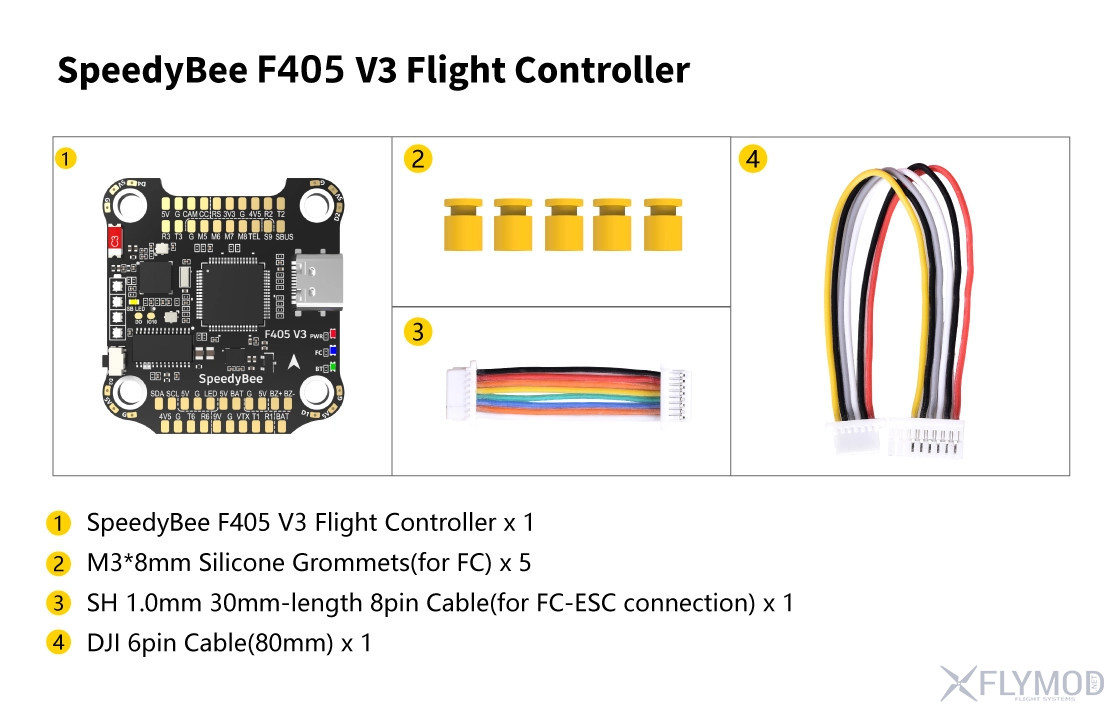
F405 V3 FC

  • 1x SH 1.0mm 30mm 8pin cable (for FC-ESC connection)
  • 1x SpeedyBee F405 V3 Flight Controller - 30x30
  • 5x M3x8mm silicone grommets (for FC)
  • 1x DJI 6pin cable(80mm)

Useful links

Photos

Comments

There are no messages yet. Leave your message first.

You need to be registered or authorized users to leave messages. Registration

Compatible goods

Goods from category
2 039 uah